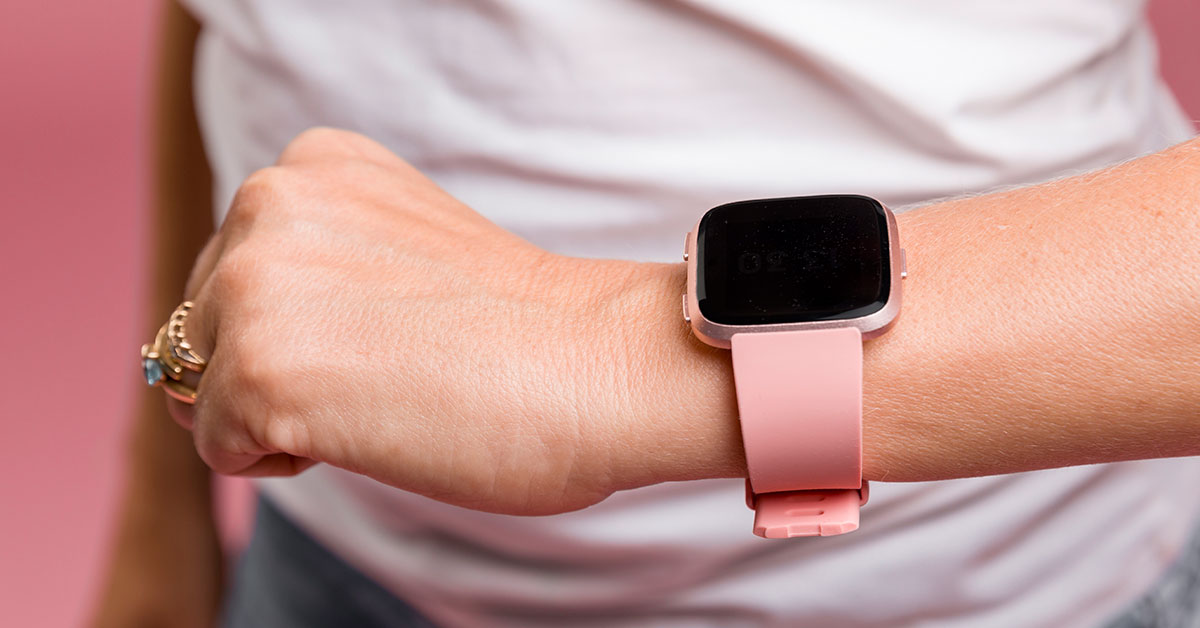
Smartwatches are more than just tech gadgets—they’re an extension of your personal style. With a Wear OS smartwatch, you have endless possibilities for creating a personalized look and experience. From customizing watch faces to adding apps, you can match your mood, style, and lifestyle. Follow these simple steps to unlock your smartwatch’s potential and make it truly unique.
Step 1: Change Your Watch Face to Match Your Style
The easiest way to personalize your smartwatch is by changing the watch face. Wear OS offers a wide selection of built-in faces, and
finding one that suits your style takes just a few taps.
- Press and hold the screen.
- Swipe through the available options to browse different watch faces.
- Select the face that matches your style.
- After selecting, the new face will be instantly applied.
Step 2: Download New Watch Faces from Google Play
For even more options, Google Play offers thousands of watch faces that cater to every taste. You can find designs ranging from seasonal collections to everyday styles.
- Open Google Play on your smartwatch.
- Search for watch faces to explore a variety of designs.
- Download and install your favorite watch face.
- Once installed, apply the new face by following the steps in Step 1.
Step 3: Customize Your Watch Face with Built-In Tools
Many watch faces offer customization options, such as changing colors or layouts, allowing you to further personalize the appearance.
- Select the watch face you want to customize.
- Tap the settings icon to access the customization tools.
- Choose the colors, complications, or layouts that match your preferences.
- Experiment with different combinations to create a unique look.
Step 4: Explore More Options with Facer
For even more variety, the Facer platform offers exclusive designs, including animated and themed watch faces that can match your interests.
- Download Facer from Google Play.
- This app provides access to watch faces with themes such as sci-fi, movies, and even animated collections.
- Browse and apply the watch face you like.
- Facer offers regular updates, ensuring fresh designs are always available.
Step 5: Use Tiles for Quick Access to Information
Tiles provide glanceable information, such as fitness stats or weather updates, and make interacting with apps faster and more convenient.
- Swipe left or right to access your tiles.
- Each smartwatch comes with preloaded tiles, but you can rearrange or add new ones.
- Tap and hold a tile to customize it.
- Choose the information you want to see and organize tiles based on what’s most important to you.
Step 6: Add Complications to Your Watch Face
Complications offer snippets of information like battery life, media controls, or heart rate data directly on your watch face. These enhance the functionality of your smartwatch without opening apps.
- Press and hold your watch face to edit complications.
- Choose the ones that are most useful to you, like step count or weather.
- Tap to apply and view them on your screen.
- Custom complications make key information easily accessible.
Step 7: Discover New Apps for Your Lifestyle
Smartwatches offer more than just watch faces and tiles. Wear OS provides access to various apps tailored to your interests, such as fitness, music, or productivity.
- Open Google Play on your smartwatch and browse available apps.
- Look for apps that align with your lifestyle, whether you need a fitness tracker, task manager, or music app.
- Download and use the apps directly from your watch.
- Apps like SMART CADDIE for golf or KukuFM for audiobooks expand your smartwatch’s functionality.
Step 8: Personalize Your Watch Bands
Another way to express your personal style is by switching out the watch bands. Wear OS offers a variety of options, from woven bands to leather straps.
- Explore different band styles.
- Choose a band that fits your mood or matches your outfit, whether it’s a sporty look or a formal design.
- Easily switch between bands.
- Most smartwatches allow for quick changes, letting you update your look in seconds.
Step 9: Choose the Right Watch Design
Wear OS smartwatches come in various designs and brands, from classic styles to adventure-ready models. The range of options ensures there’s a smartwatch for every lifestyle.
- Explore smartwatch designs like Montblanc, Fossil, or Samsung Galaxy Watch5.
- Whether you want a sophisticated look or something practical, there’s a watch design that suits you.
Conclusion
Make Your Smartwatch Uniquely Yours With endless customization options, your smartwatch can be as unique as you are. From changing the watch face to adding apps and personalizing bands, these steps will help you create a smartwatch that not only fits your style but also enhances your daily life.